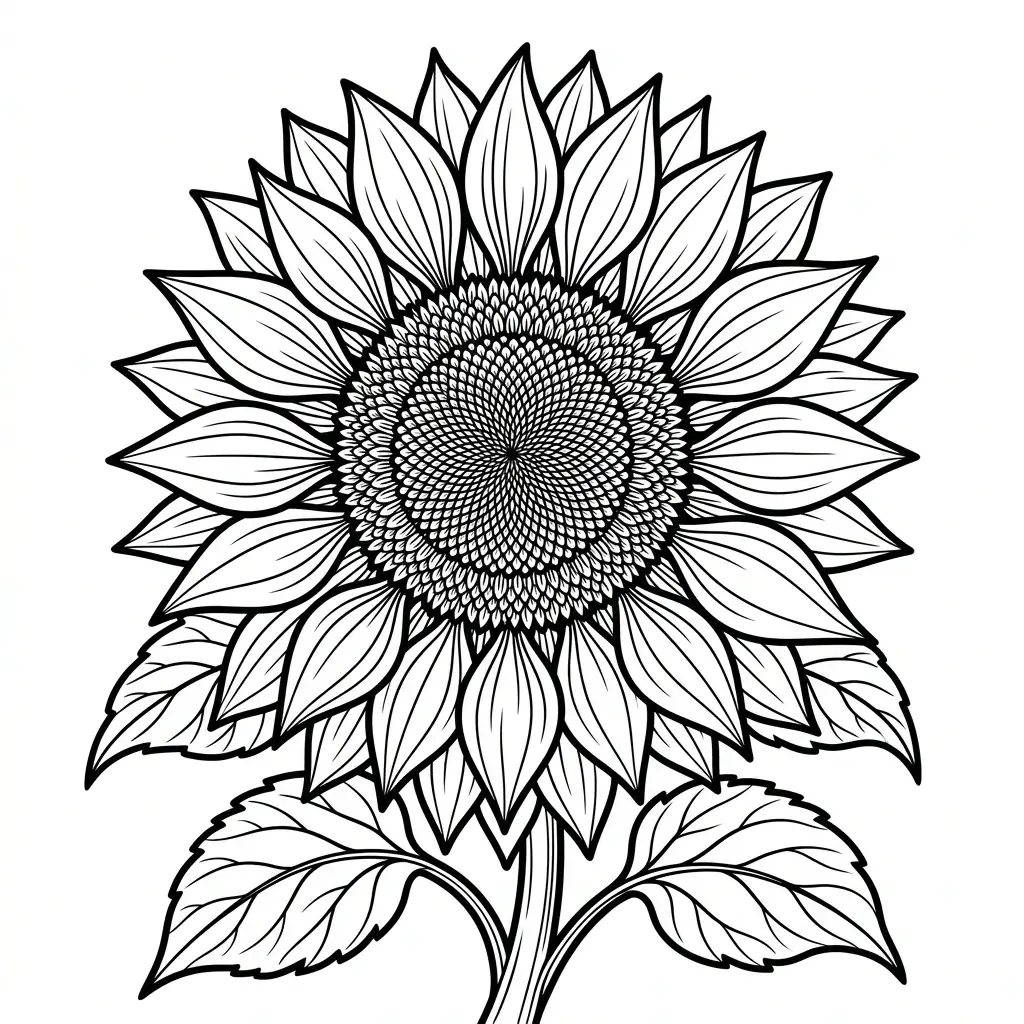
Flower Template
Sun
Sunflower Flower Outline printable coloring page for kids and learners.
AR Drawing Online
How to draw Sun with AR Drawing
Use this Sun outline as a guide for a sketch on real paper. AR Drawing shows the reference over your phone camera view, so you can follow the shapes while looking at your paper on screen. The tool opens in your browser without an app download.
Open the template
Tap Start Drawing to preview the Sun image and continue to the camera tracing tool.
Set up your paper
Place your phone steadily above a sheet of paper, allow camera access, and align the guide with your drawing area.
Trace and finish
Follow the outer outline first, then add the smaller lines. Color your sketch after the tracing is complete.
New to camera tracing? Read about the free AR Drawing app, or browse more drawing templates to find another subject.
Questions about this template
Frequently asked questions
How do I begin drawing Sun?
Locate the flower center and the outer edge of Sun first. Then build the petals around that center using the reference for their spacing.
How can I keep the petals of Sun even?
Compare the direction and length of each visible petal rather than drawing them all alike. Light pencil lines make it easier to adjust their shapes.
What should I add after tracing Sun?
Finish the stem and leaves where they appear in the image. If you are using a color reference, add color only after the main flower shape is complete.
Can I color the Sun outline after tracing it?
Yes. Trace the Sun outline on paper first, then color your drawing. You can also open an outline in the Coloring Studio for digital coloring.
Where should Sun sit in the AR drawing view?
Center the Sun flower on your paper in the camera view. Leave space for the petals and any stem or leaves visible in the reference.
How does AR Drawing help me trace Sun petals?
Lower the image opacity to keep your pencil marks visible, then follow the direction of each petal on screen instead of drawing every petal the same way.
More about AR Drawing
How to trace drawings on paper with phone camera?
To trace drawings on paper with your phone camera, visit ardrawing.site, select a template or upload your own image, mount your phone on a glass or transparent stand above your paper, and trace the lines shown on screen. The AR overlay projects the image onto your camera feed so you can precisely follow each line with your pencil.
Is AR Drawing free to use?
Yes, AR Drawing is 100% free. All core features including camera sketching, tracing templates, opacity control, and the template gallery are available at no cost to help everyone learn to draw.
Keep drawing


