Animals Template
Peacock
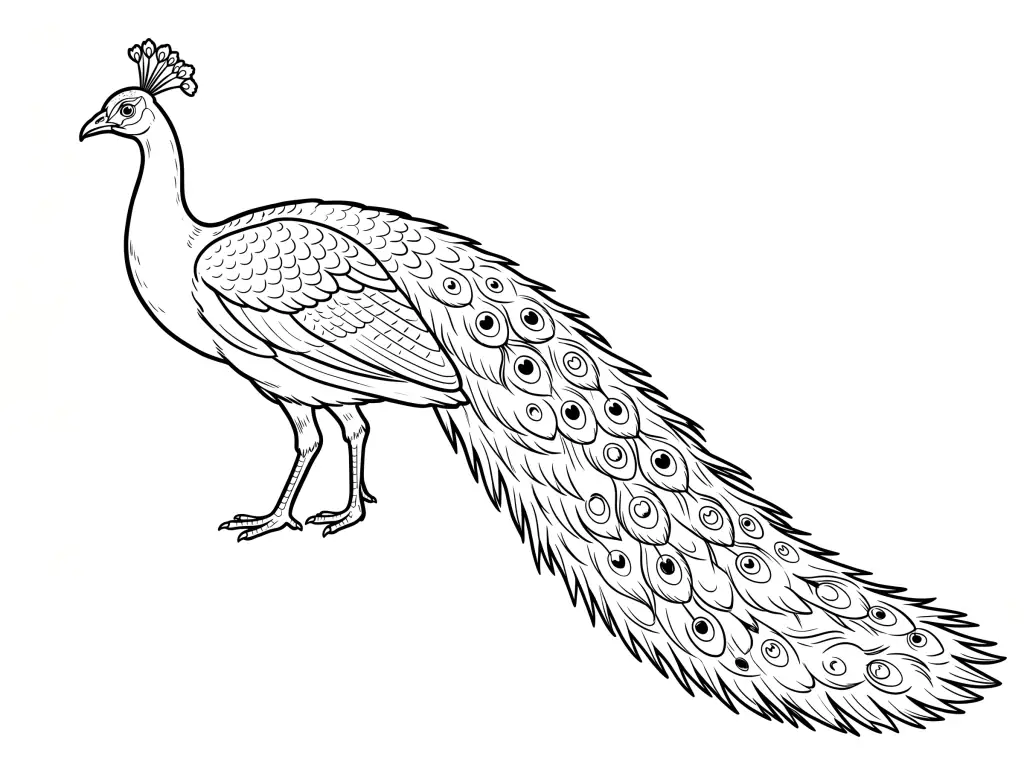
Peacock Outline Drawing with clean animal line art for tracing, coloring pages, sketch practice, and educational worksheets.
AR Drawing Online
How to draw Peacock with AR Drawing
Use this Peacock outline as a guide for a sketch on real paper. AR Drawing shows the reference over your phone camera view, so you can follow the shapes while looking at your paper on screen. The tool opens in your browser without an app download.
Open the template
Tap Start Drawing to preview the Peacock image and continue to the camera tracing tool.
Set up your paper
Place your phone steadily above a sheet of paper, allow camera access, and align the guide with your drawing area.
Trace and finish
Follow the outer outline first, then add the smaller lines. Color your sketch after the tracing is complete.
New to camera tracing? Read about the free AR Drawing app, or browse more drawing templates to find another subject.
Questions about this template
Frequently asked questions
How do I start sketching Peacock?
Block in the head and body of Peacock first. Check their relative sizes before following the outer contour in the template.
How can I make my Peacock sketch look balanced?
Use the reference to place the visible legs, wings, fins, or tail in relation to the body. Add the face only after the main pose feels right.
What should I focus on when finishing Peacock?
Look for the features that make this animal recognizable in the image, then add those marks and any texture with light pencil strokes.
Can I color the Peacock outline after tracing it?
Yes. Trace the Peacock outline on paper first, then color your drawing. You can also open an outline in the Coloring Studio for digital coloring.
How should I position Peacock in the AR camera view?
Place your paper under the phone and size the Peacock overlay so the entire visible pose fits. Check the head and body placement before following the contour.
What if the Peacock AR overlay hides my sketch?
Reduce the image opacity in AR Drawing so you can compare your pencil marks with the animal reference without losing sight of the paper.
More about AR Drawing
Is AR Drawing free to use?
Yes, AR Drawing is 100% free. All core features including camera sketching, tracing templates, opacity control, and the template gallery are available at no cost to help everyone learn to draw.
Can beginners use AR Drawing to learn sketching?
Absolutely! AR Drawing is designed for everyone, especially beginners. The AR overlay guides your hand by showing you exactly where to draw each line. Over time, your hand naturally develops muscle memory and you get better at sketching without assistance.
Keep drawing


