Halloween Template
Black Rose Bouquet
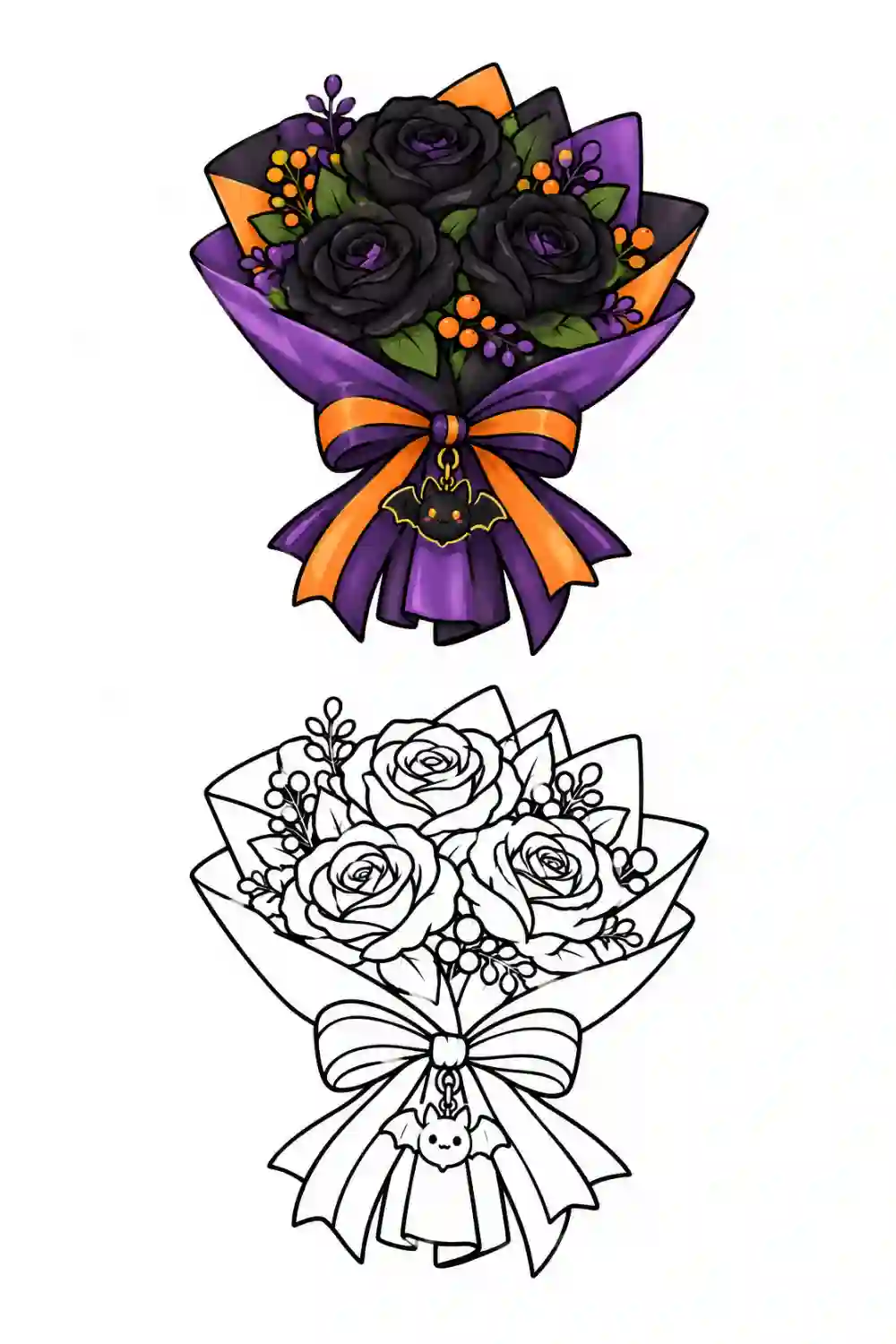
Halloween artwork showing black rose bouquet, with a colored example and matching black-and-white outline. Use this free template to trace, sketch, or color.
AR Drawing Online
How to draw Black Rose Bouquet with AR Drawing
Use this Black Rose Bouquet outline as a guide for a sketch on real paper. AR Drawing shows the reference over your phone camera view, so you can follow the shapes while looking at your paper on screen. The tool opens in your browser without an app download.
Open the template
Tap Start Drawing to preview the Black Rose Bouquet image and continue to the camera tracing tool.
Set up your paper
Place your phone steadily above a sheet of paper, allow camera access, and align the guide with your drawing area.
Trace and finish
Follow the outer outline first, then add the smaller lines. Color your sketch after the tracing is complete.
New to camera tracing? Read about the free AR Drawing app, or browse more drawing templates to find another subject.
Questions about this template
Frequently asked questions
What is included in the Black Rose Bouquet Halloween image?
This Black Rose Bouquet image has a colored example above a matching black-and-white outline. You can use the outline for tracing and the colored version as a reference.
Which part of Black Rose Bouquet should I trace first?
Begin with the main silhouette in the lower outline. Add the smaller Halloween details after the overall shape is in place.
How can I color my Black Rose Bouquet drawing?
Use the colored example at the top for ideas, or choose your own Halloween palette after you finish tracing the outline.
Can I color the Black Rose Bouquet outline after tracing it?
Yes. Trace the Black Rose Bouquet outline on paper first, then color your drawing. You can also open an outline in the Coloring Studio for digital coloring.
Which part of the Black Rose Bouquet image should I follow in AR Drawing?
Use the black-and-white outline in the lower half of the Black Rose Bouquet image for tracing. The colored example above can guide your colors when the sketch is finished.
Can I adjust the Black Rose Bouquet image while tracing on paper?
Yes. Move or resize the image on screen to place the outline over your paper, and lower its opacity if it covers your pencil lines.
More about AR Drawing
Do I need to download an app to use AR Drawing?
No. AR Drawing runs entirely in your mobile browser. Just open the website on your phone, pick a picture, allow camera access, and start drawing on paper immediately. There is no need for app store downloads or registrations.
What is AR Drawing & how does it work?
AR Drawing is a free online tool that uses your phone camera to overlay a reference image onto your real paper surface. You look at your phone screen and trace the lines you see directly onto the paper. It works entirely in your browser — no app download is required.
Keep drawing


